
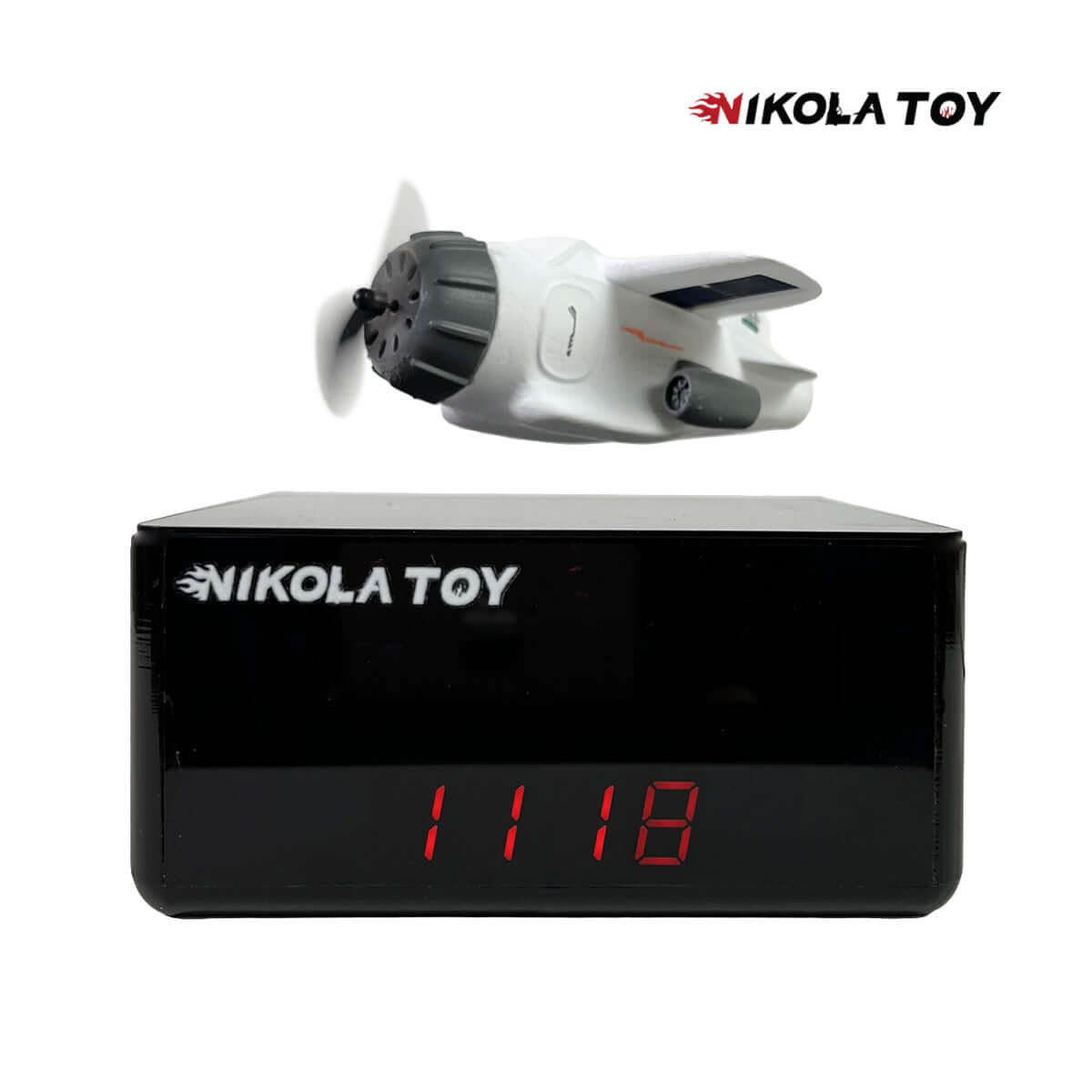

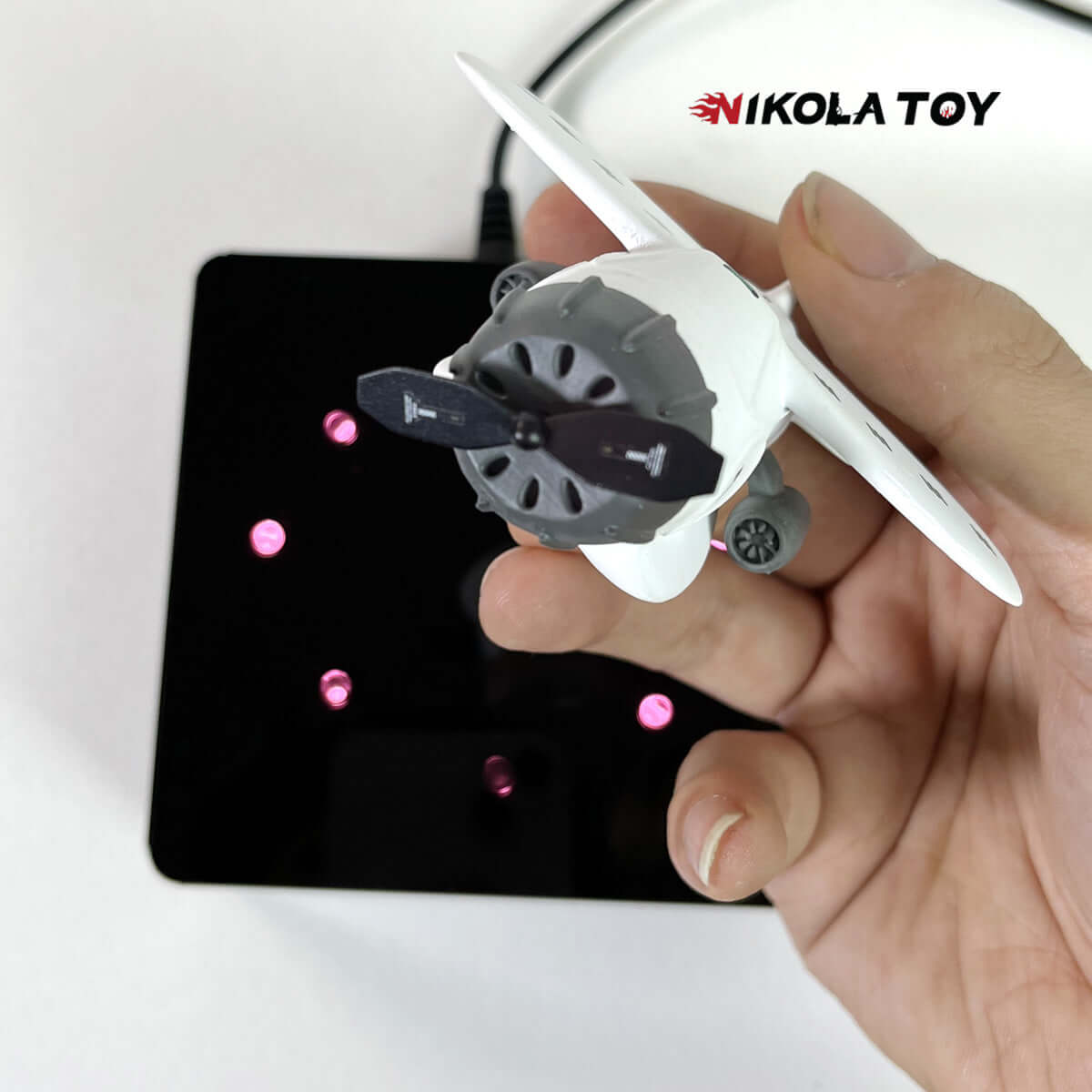
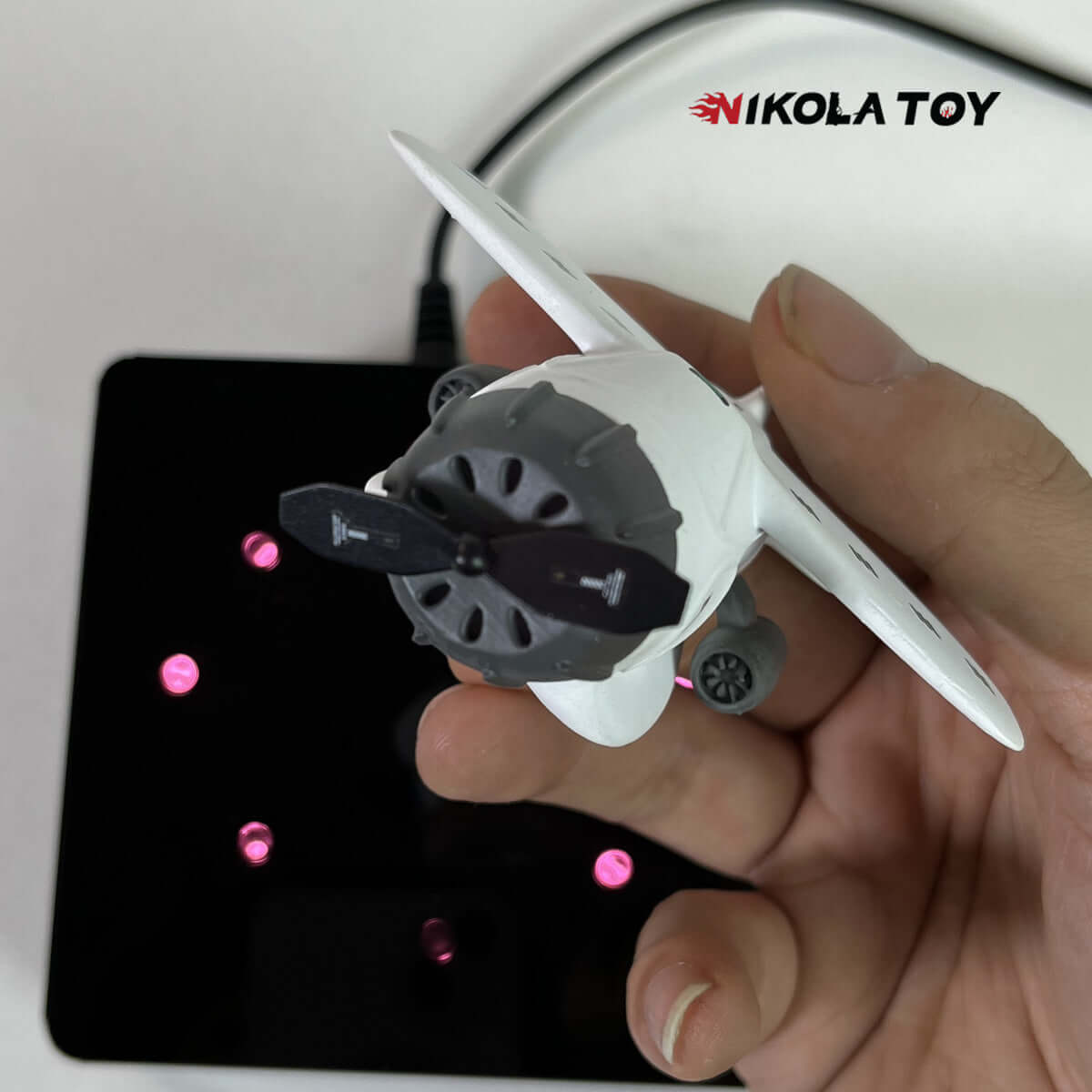
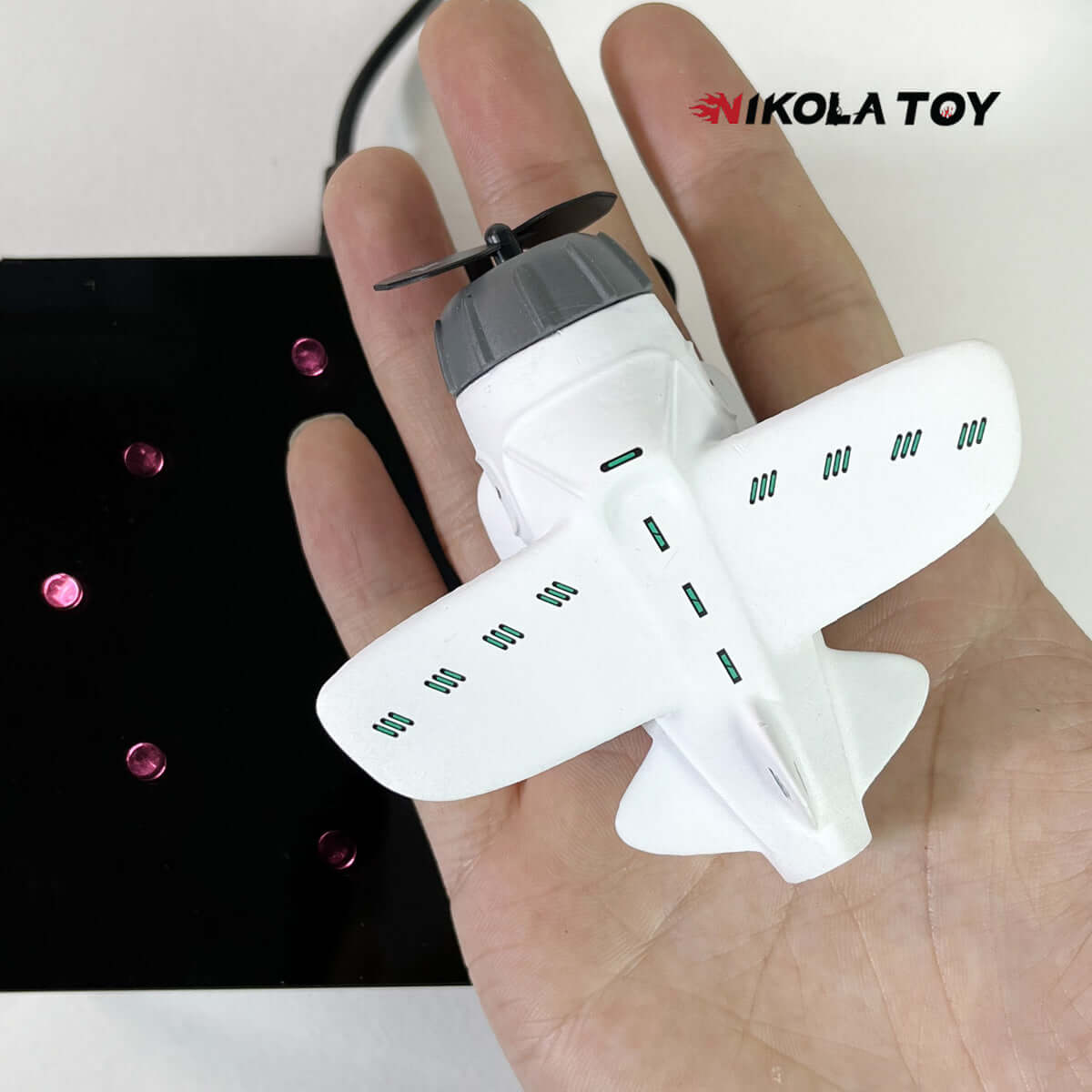
Cute Maglev Mini Aircraft - Creative Clock
Brand: NIKOLATOY
Product Name:Creative desktop JetFan
Size:12*11*8cm / 4.5*4*3inch
Weight:400g
Material: Acrylic+Resin
Process:Light curing
Product Name:NikolaToy™ Cute Maglev Mini Aircraft - Creative Clock
Suspension height: 12mm
Supply voltage: DC5.0~30V
Temperature function range:-40~120 degrees, resolution of 0.1 degrees.
Voltage meter function range:5-30V
Function and usage instructions:
1. Adjust the alternating display interval time for time, date, year, voltage error, and temperature error cycle display items
In a non set state, press the left button to enter the time adjustment (note that the colon in the middle is lit). At this time, the "minute" starts flashing, press the right button to increase the adjustment range from 00 to 59. After adjusting the "minute", press the left button again, and at this time, the "hour" starts flashing. Press the right button to increase the adjustment range from 00 to 23. After adjusting the "hour", press the left button to enter the date adjustment (note that the colon in the middle is off), and the "day" will start flashing. Press the right button to increase the adjustment range from 1 to 31. After adjusting the "day", press the left button again, and the "month" will start flashing. Press the right button to increase and adjust the range from 1 to 12. After adjusting the date, press the left button again to start flashing the year. Press the right button to increase the adjustment range from 2012 to 2049. After adjusting the "year", press the left button again to enter the error calibration function x.xU for displaying voltage, with a unit of 0.1V. Positive numbers indicate an increase and negative numbers indicate a decrease. Then press the left button again to enter the temperature error calibration setting [Ac: xx], Xx represents the correction value, right-click to increase, positive numbers indicate increase, negative numbers indicate decrease, and units are in degrees. Press the left button again to enter the definition function dd option of the display item in the loop display state. Press the right button to change the values (dd: 0) time+temperature+voltage, (dd: 1) time+temperature, (dd: 3) time+voltage application
2. Switch display items
In the non set state, press the right button to switch the display items, and the display will switch between time -->date -->temperature -->voltage -->alternating cycle display.
Function and usage instructions:
1. Adjust the alternating display interval time for time, date, year, voltage error, and temperature error cycle display items
In a non set state, press the left button to enter the time adjustment (note that the colon in the middle is lit). At this time, the "minute" starts flashing, press the right button to increase the adjustment range from 00 to 59. After adjusting the "minute", press the left button again, and at this time, the "hour" starts flashing. Press the right button to increase the adjustment range from 00 to 23. After adjusting the "hour", press the left button to enter the date adjustment (note that the colon in the middle is off), and the "day" will start flashing. Press the right button to increase the adjustment range from 1 to 31. After adjusting the "day", press the left button again, and the "month" will start flashing. Press the right button to increase and adjust the range from 1 to 12. After adjusting the date, press the left button again to start flashing the year. Press the right button to increase the adjustment range from 2012 to 2049. After adjusting the "year", press the left button again to enter the error calibration function x.xU for displaying voltage, with a unit of 0.1V. Positive numbers indicate an increase and negative numbers indicate a decrease. Then press the left button again to enter the temperature error calibration setting [Ac: xx], Xx represents the correction value, right-click to increase, positive numbers indicate increase, negative numbers indicate decrease, and units are in degrees. Press the left button again to enter the definition function dd option of the display item in the loop display state. Press the right button to change the values (dd: 0) time+temperature+voltage, (dd: 1) time+temperature, (dd: 3) time+voltage application
2. Switch display items
In the non set state, press the right button to switch the display items, and the display will switch between time -->date -->temperature -->voltage -->alternating cycle display.
Pairs well with
In stock! Ship out within 24 hours!
Official genuine product guarantee
1-Year Warranty
Free shipping worldwide
Cute Maglev Mini Aircraft - Creative Clock
If you have any questions, you are always welcome to contact us. We'll get back to you as soon as possible, within 24 hours on weekdays.
-
Shipping Information
Use this text to answer questions in as much detail as possible for your customers.
-
Customer Support
Use this text to answer questions in as much detail as possible for your customers.
-
FAQ’s
Use this text to answer questions in as much detail as possible for your customers.
-
Contact Us
Use this text to answer questions in as much detail as possible for your customers.
Free shipping and returns
FAQs
Please read our FAQs page to find out more.
Do you offer free shipping?
Yes. We offer worldwide free shipping with no minimum spending limit.
What if I want to return my order?
No problem! We offer a 30-day risk-free return policy on our website. Please notice that returns must be in original packaging and condition with receipt. If the returned item is not in the acceptable certain condition it will be refused acceptance. Please find the return policy here.
If you receive a damaged product, do not throw away the packaging. Please contact us immediately at service@nikolatoy.com. We will deal with it without a doubt.
When can I receive my orders?
The Processing Time will be 1 - 2 business days after we receive your orders.
The estimated arrival time of your orders is Processing Time + Shipping Time.
Standard Shipping Time: 5 - 15 Business Days(Free shipping worldwide)
Express Shipping Time: 2 - 4 Business Days
(DHL Express/You will need to pay additional shipping fees yourself)
To learn more about our shipping policy, please click here
What if some parts are broken or lost?
We offer a part replacement service. Please click here to learn more about how to apply for it.
How can I track my package?
You will receive a confirmation email and/or text message with a tracking ID and a link to track the journey of your package. Please allow 3 working days for the tracking information to show.